
Blog · Automation
n8n vs Make vs Zapier: which tool to automate your processes?
On this page
Zapier for quick starts, Make for complex visual scenarios, n8n for sovereignty and control. An honest comparison to help you choose.
Automating a process, linking your emails to your ERP, qualifying leads, or syncing two tools, almost always involves one of these three. They appear to do the same thing; their value differs by context.
Zapier: quick start for simple use cases
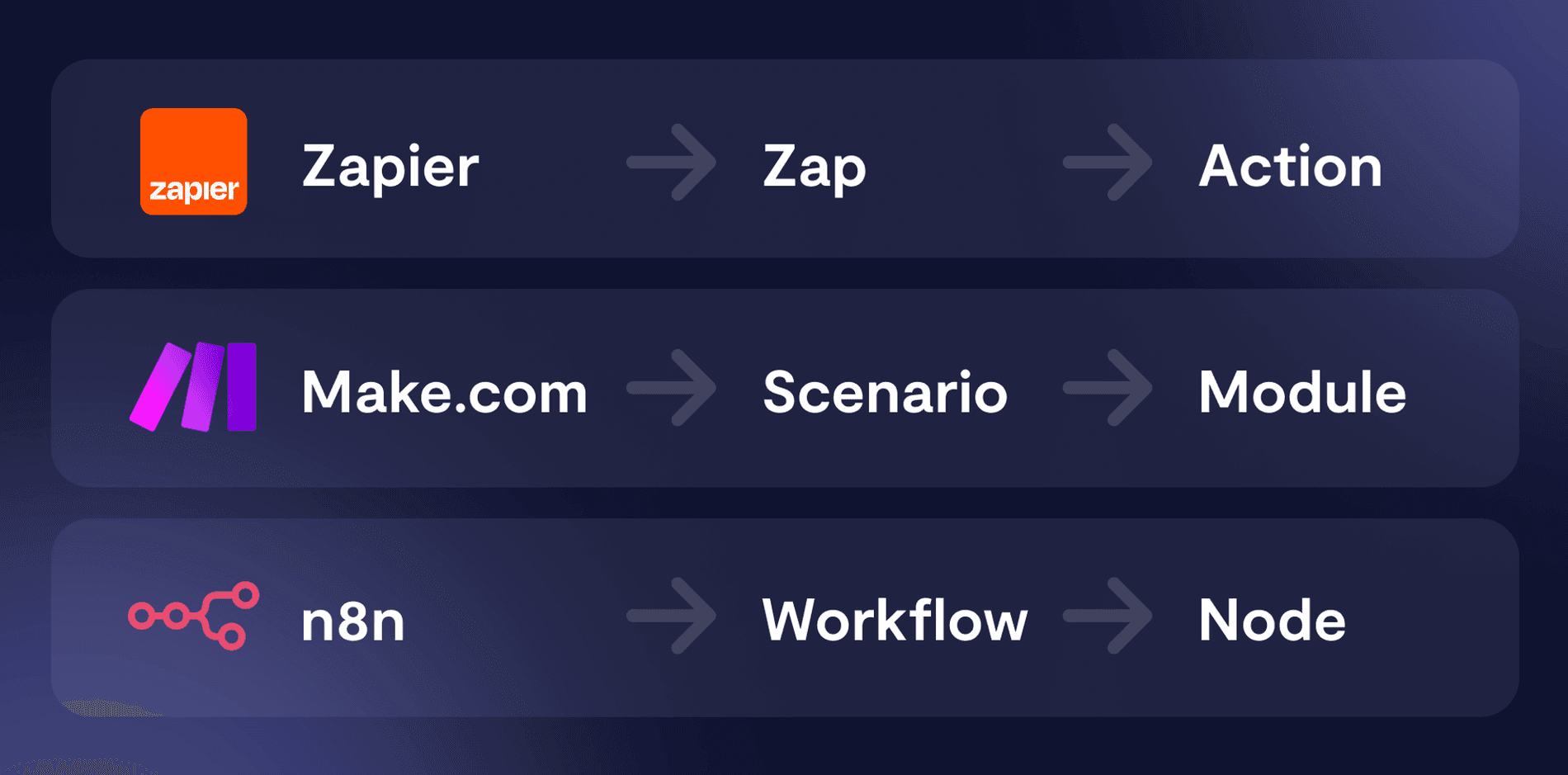
Zapier is the most accessible. Thousands of ready-made connectors, a “when this, then that” logic, zero technical skills required. Ideal for solo users or small teams looking to connect two SaaS tools without overthinking.
Its limitations appear quickly: task-based pricing becomes expensive at scale, complex conditional logic is cumbersome, and your data transits through Zapier’s infrastructure (US-based).
Make: visual workflows for complex scenarios
Make (formerly Integromat) goes further: a powerful visual editor, branching, loops, and fine data manipulation. For multi-step scenarios with business logic, it outperforms Zapier and is often cheaper at scale.
We’ve delivered many projects on Make, see our Make Agency. But like Zapier, it’s a SaaS: per-operation costs and data hosted by the provider.
n8n: sovereignty and control
n8n is in a different league: it’s self-hostable, under a “fair-code” licence. You run it on your own infrastructure (OVH, Scaleway, private cloud), your data and credentials never leave your perimeter. Critical when handling client data or sensitive documents.
That licensing nuance is worth stating, because it is often misquoted. n8n is not open source in the Open Source Initiative sense: its code is published under the Sustainable Use License, which permits use and modification “for your own internal business purposes” and redistribution only free of charge and non-commercially. Files whose names contain “.ee.” additionally fall under a separate Enterprise licence. In practice: hosting n8n to automate your own processes is entirely allowed and free; reselling it white-labelled to your clients is not. For a sovereignty decision that is the essential point, but it is worth calling it by its name.
Three key differences in production:
- Cost: no per-task billing. At scale, the gap with Zapier/Make becomes significant.
- Sovereignty: GDPR-compliant by design, hosted wherever you choose, ideal for integrating a sovereign AI model like Mistral into your workflows.
- Control: workflows can be versioned like code, tested, and deployed cleanly.
The point that really decides the budget is the unit being billed, and the three tools count differently. Zapier bills the task, meaning each successful action: 100 a month on the free plan, 750 on the first paid plan at $19.99 with annual billing. Make bills the credit, consumed by every module executed: an eight-module scenario processing a hundred rows uses eight hundred, out of the free plan’s 1,000 a month or the Core plan’s 10,000 for $9. n8n bills the execution: one count per workflow run, whatever the number of steps, from €20 a month for 2,500 executions on cloud, and nothing at all when self-hosted. It is on jobs that loop over many rows that the gap becomes an order of magnitude, not on single-trigger automations.
It’s the backbone of our automations, details on our n8n Agency.
How to choose, in practice
- Zapier if you want to connect two SaaS platforms tomorrow morning, with no technical skills, at low volume.
- Make for rich visual scenarios, with non-sensitive data, at moderate volume.
- n8n whenever sovereignty, volume, AI in workflows, or production reliability (retries, monitoring, idempotency) are required.
The right approach isn’t to migrate for the sake of it, but to assess the ROI: how much human time saved, what error risk avoided. We review this with you before writing a single workflow, including for taking over and securing existing Make or Zapier scenarios.
Related articles
Aug 26, 2026
Electronic invoicing: turning compliance into accounting automation
Electronic invoicing is reshaping workflows, tools, and data, paving the way for SME accounting automation.
Jul 06, 2026
From Make to n8n: When Automation Becomes an Architectural Concern
Make, Zapier or n8n? Discover when no-code automation becomes a critical production component to structure.
Jul 03, 2026
AI Agent or Automation: How to Choose the Right Solution for Your Business?
AI agent or automation? Understand which solution to choose based on your processes, risks, and AI maturity level.