
Blog · AI
Claude Design in 2026: Features, Access and Limits
On this page
Claude Design in 2026: access, limits, design systems, exports and the path to Claude Code, including the September updates.
Anthropic launched Claude Design on April 17, 2026, to create visual work and prototypes with Claude. The product has since changed: in September, Anthropic announced that Design can also work inside a Claude conversation and Claude Code. That experience is rolling out gradually, and what appears still depends on the account and organization settings.
At Scroll, AI-generated prototypes often raise the same question: what needs checking before they become part of a product? Claude Design can use an existing design system and hand a project to Claude Code. The result still needs review and adaptation to the technical context.
This guide covers Claude Design’s documented features, access rules, limitations and the checks needed before using a prototype in a development project. It also places the tool alongside Figma, Lovable and v0.
What Claude Design actually does
Claude Design is a visual creation tool in Claude. It helps make mockups, interactive prototypes and other visual work. Since September 2026, you can ask for a design in a Claude conversation, from the Artifacts tab, in Claude Code or at claude.ai/design, which remains available. The unified experience is rolling out gradually by account. Presentations now have their own starting point, Claude Slides.
Claude Design can use one or more design systems from a GitHub repository, design files or uploaded material. In Claude Code, /design-sync can sync a system from a local codebase. Anthropic says Design builds with the supplied components and checks its output against them; quality still depends on the clarity of the sources.
At launch, Anthropic described Claude Design as powered by Claude Opus 4.7 and available in research preview to Pro, Max, Team and Enterprise subscribers. That was the April 2026 announcement, with access rolling out gradually. Those historical details do not by themselves describe today’s interface or underlying model.
As of September 23, 2026, Anthropic describes Design as a beta feature on Pro, Max, Team and Enterprise plans. It is on by default for Pro, Max and Team; an Enterprise owner must turn it on. The new Claude experience bringing chat, Cowork and Design together is rolling out first to Pro and Max, with other plans to follow. See the Claude Design product page and Anthropic’s September 16 announcement.
Six features to understand
Prompt-based prototype generation. Describe a screen, flow or page, then revise it in the conversation and on the canvas. A prototype may be interactive, but its behavior and rendering should be checked before sharing it.
Design system extraction. Import one or more systems from GitHub, design files or uploads. Claude Code can also sync components from a local project with /design-sync. Anthropic says Design checks its output against the imported components; review the variants and brand rules that matter to your team.
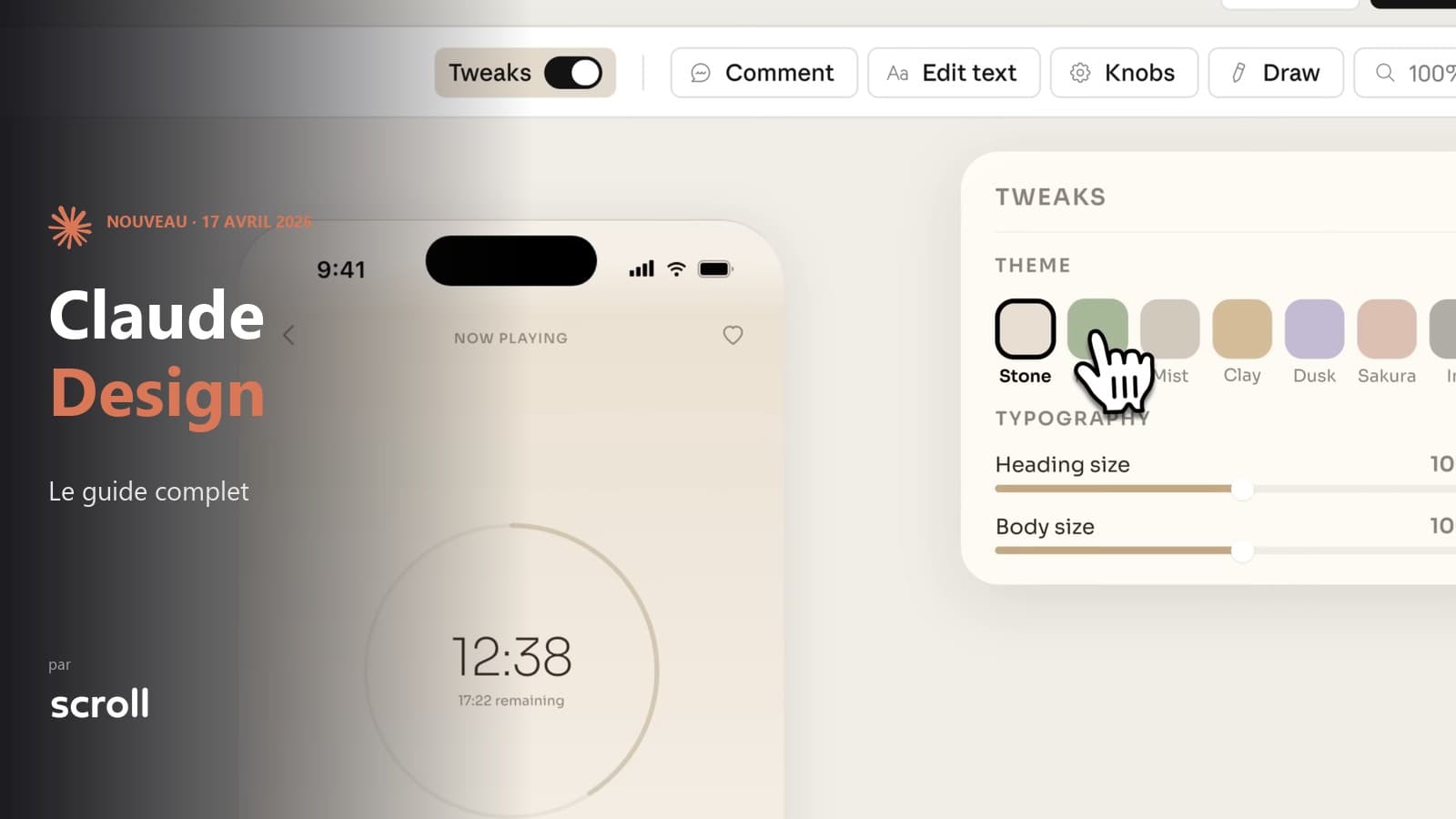
Inline editing. You can comment on an element, edit text, or drag, resize and align elements on the canvas. Ask for more structural changes in the conversation. These controls give more direct editing without guaranteeing a fixed amount of usage.
Multi-source imports. Prompts, screenshots, images, documents and design files can provide context; you can also link a code repository. Anthropic mentions a web capture tool. Compare the result with its source, particularly when a repository or file is incomplete.
Exports, connectors and Claude Code. Anthropic documents ZIP, PDF, PPTX and standalone HTML downloads, plus sending work to connected tools including Canva. Google Slides export is listed only for claude.ai/design. You can also hand the project to Claude Code, locally or on the web, to continue in code. Check which options appear in your interface.
Voice, video, 3D, shaders, integrated AI calls. Anthropic’s launch announcement lists these as prototyping possibilities. Their presence in a demo does not show that every integration will work for real users: test the interactions, data handling and performance of the result.
Who it’s really for
In its launch announcement, Anthropic names designers, product managers, founders, marketers and sales teams among potential users. The tool can help explore a visual direction or make an idea easier to share, whether or not someone already uses design software.
A designer might use it to test several directions from an existing design system. Someone without design training might use a prototype to start a discussion. In either case, the people involved still need to review the result.
Claude Design can complement a design process, but the right tool depends on the precision required, files to maintain and collaboration needed. Anthropic says simultaneous editing in Design remains limited, so check that requirement if several people need to work on the same project.
Claude Design vs. Figma, Lovable, and v0
Each tool targets a different part of the workflow. Comparing them without nuance leads to false equivalences. Here’s what to remember about each.
Figma remains a collaborative design tool with components and libraries. On the official pricing page checked September 23, 2026, Starter is free; Professional, Organization and Enterprise full seats are listed at $16, $55 and $90 per month respectively, with different billing terms. Figma Make can generate a prototype or web app from a prompt and use Figma components; connecting Supabase can add server-side features. Compare your team’s actual requirements before choosing between these tools.
These figures are for full seats on Figma’s official pricing page; Dev and Collab seats have different prices and AI credits vary by plan. Check billing terms and available credits before making a budget decision. Source: official Figma pricing.
Lovable can create apps with interfaces and server-side logic. Claude Design focuses on visual work and prototypes; Claude Code can then take a design into implementation, including in an existing project. The choice depends on the outcome you need and what your team can verify. For limits of generated apps, see the limitations that emerge after the prototype.
v0 by Vercel is aimed at teams generating interface code from a description. Claude Design offers a visual canvas and a documented handoff to Claude Code. To compare them, test output formats, editing controls and how each fits your existing project.
Claude Design can start from an existing design system, create interactive prototypes, export several formats and continue in Claude Code. These features serve different needs, and access depends on plan, settings and rollout stage. Both the prototype and the resulting code need review.
Choose a tool by the deliverable: visual exploration, detailed collaborative editing or a working application. Moving from Claude Design to Claude Code carries context forward, but does not replace code review or testing before release.
From design to code: what the handoff supports
Since September 2026, Anthropic has been bringing chat, Claude Code and visual creation into one Claude experience. The rollout is gradual. The article on Claude Cowork for team collaboration around documents covers another part of that work. MCP connectors can provide external context and tools, depending on configured access (Webflow, Supabase, n8n).
As described in Anthropic’s announcement on September 16, 2026, Design now works in Claude conversations while Claude Slides has its own starting point for presentations. The unified experience is rolling out first to Pro and Max. These changes connect creation tools without guaranteeing a project’s outcome.
Anthropic documents the handoff from a design to Claude Code: you can pass along a project, sync a design system with /design-sync and use /design in Claude Code. The resulting code still needs to be adapted, reviewed and tested in the target project.
Moving from prototype to code may reduce manual rework without removing validation. A project built through vibe coding still needs checks for security, accessibility, tests and real-world behavior.
The blind spots we’re already seeing
Usage limits. Since the June update, Claude Design has shared usage limits with the rest of Claude, including Claude Code. Its former separate weekly allowance no longer describes the current setup. Complex projects, large repositories and many iterations can use more of that allowance. When you reach a limit, wait for it to reset or use extra credits if they are enabled on your account. Check the current pricing page for plan prices and limits.
Simultaneous editing is still limited. Anthropic supports sharing a design with view, comment or edit permissions, depending on plan and settings. Its help center also says that two or more people editing the same project at once remains basic and may not work reliably. Sharing rules differ between individual, Team and Enterprise accounts.
Imported design systems need review. Claude Design can use supplied components and styles, but Anthropic warns that a messy repository or incomplete file will affect the result. Check important variants, components and brand rules. For a new design, provide visual references and brand direction if you have them.
Code from a prototype needs review. An interactive mockup does not prove that an application will work in production. Before using code made with Claude Code, check database scaling, security, access controls and integrations. Claude can help prepare or run tests, but their results need review in the project’s context. Handing over a design does not validate the code automatically.
Accessibility, SEO, performance: the blind spots. Test a prototype before publishing: keyboard navigation, contrast, screen readers, heading structure, metadata and real performance. Claude can help identify issues, but that assistance does not replace checks on the final deliverable. For a public page, also check on-page SEO and performance measurements; search rankings are never guaranteed.
From Claude Design prototype to release: what to check
Before building on an AI prototype, define its purpose and what has actually been tested. The next steps depend on that starting point.
In the validation phase. To present an idea or collect internal feedback, share the design or export it as PDF, PPTX or HTML as needed. Canva is among the documented connected tools. Whether recipients can open a shared link depends on the plan and sharing settings, so test access with them.
In the scaling phase. If the project must serve users, handle data, integrate other services or remain maintainable, treat the prototype as a starting point. Check access controls, security, accessibility, performance and, for a public page, its structure and metadata. A prototype alone cannot promise visibility in search engines.
In between. A prototype can look convincing while leaving open questions: incomplete components, interactions to confirm or data that is still illustrative. Before investing in development, list what actually works and what remains to build or test.
Dr Lovable is Scroll’s service for consulting on and taking over AI prototypes. The scope of any work depends on the project’s actual state and requirements: scoping, technical changes or ongoing support. A Claude Design prototype may call for one of these steps, with no universal path.
For a Claude Design prototype intended to become a product, a review may cover the design system, code handed to Claude Code, access controls, data, accessibility, technical search setup and necessary integrations. The changes needed depend on what exists and on the project’s requirements.
If you have a Claude Design prototype in progress and are wondering what’s next, let’s talk. Whether it’s Claude Design, Lovable, v0, or another tool, the approach is always the same: measure the gap between what you have and what a production-ready product requires, then decide together what makes sense.
Claude Design helps teams explore visual ideas and move into Claude Code. Whether a project is ready to publish or maintain still depends on reviewing the code, real use, accessibility and the team’s constraints.
Frequently asked questions
Is Claude Design available for free?
No. Anthropic lists Claude Design for Pro, Max, Team and Enterprise plans. Pro is $20/month when billed monthly on the US pricing page checked September 23, 2026; prices and taxes depend on plan and country. Design is on by default for Pro, Max and Team. An Enterprise owner must enable it. The new Claude experience is rolling out gradually by account.
Does Claude Design replace Figma?
Claude Design helps explore visual directions and create prototypes from an existing design system. If you need advanced vector editing or reliable simultaneous collaboration, check those requirements in each tool: Anthropic says multi-person editing in Design is still limited.
How much does Claude Design really cost in tokens?
Claude Design now draws from the plan’s shared Claude usage limits, also used by Claude Code. Anthropic gives no fixed cost per design: usage depends in part on file size and the number of iterations. The former separate allowance no longer describes the current setup. Check your account limits and any extra credit options.
Is the code exported by Claude Design production-ready?
Not necessarily. Handoff to Claude Code lets you continue a prototype in a development project. Before release, review security, access controls, accessibility, performance and tests for the resulting code.
Does Claude Design work with a private repository?
Anthropic documents importing a GitHub repository and syncing local code with /design-sync in Claude Code. Before connecting a private repository, check connector permissions, sharing rules and your plan’s data policy. Using Max, Team or Enterprise alone does not establish that a project is suitable for confidential work.
Claude Design vs Lovable: which to choose in 2026?
Claude Design focuses on creating and editing visual work and prototypes, then can hand a project to Claude Code. Lovable aims to create apps with more server-side logic. To choose, list your essential functions, then test access controls, data handling and code before releasing anything.
We have a Claude Design prototype: where to start?
A quick audit to measure the gap between the prototype and a deployable product. This is what Dr Lovable offers as a first step: a short consultation to assess whether the project is viable or what’s missing before investing in development.
Related articles
Sep 22, 2026
Jev: the AI model that decides instead of writing
Launched in September 2026 by TypeSafe AI, Jev does not generate text: it returns typed, calibrated decisions. What it is, what it costs, and three use cases.
Sep 07, 2026
How much does an AI project cost, from POC to production?
The model price is not the point. Where the budget actually goes, how to calculate the API versus dedicated server threshold, and what makes it slip.
Aug 28, 2026
AI Act: what actually applies since 2 August 2026
The Digital Omnibus pushed high-risk obligations to December 2027. What already applies, what was postponed, and what to do in between.