
Of Figma unto
Webflow:
Quote in less than 2 hours


.svg)
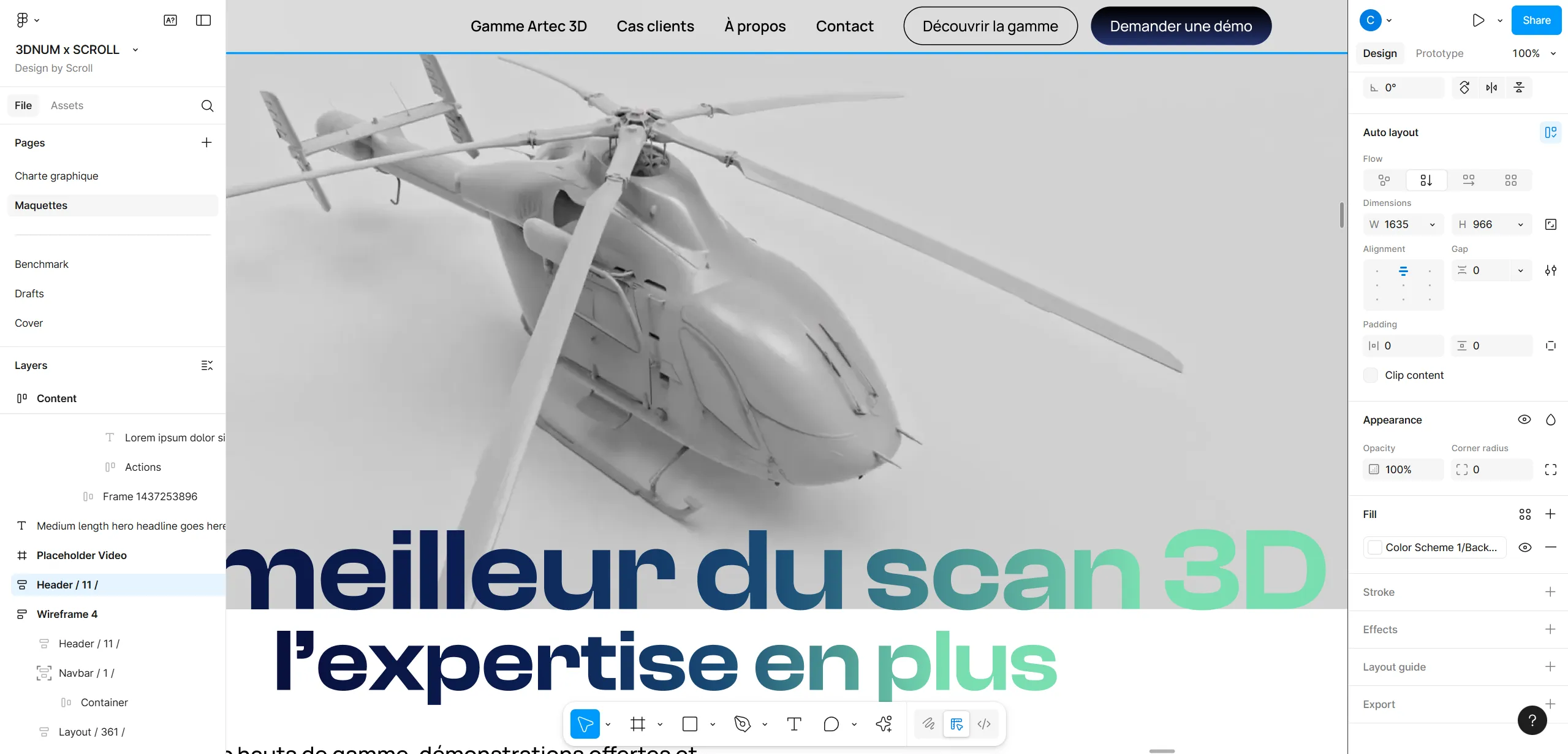
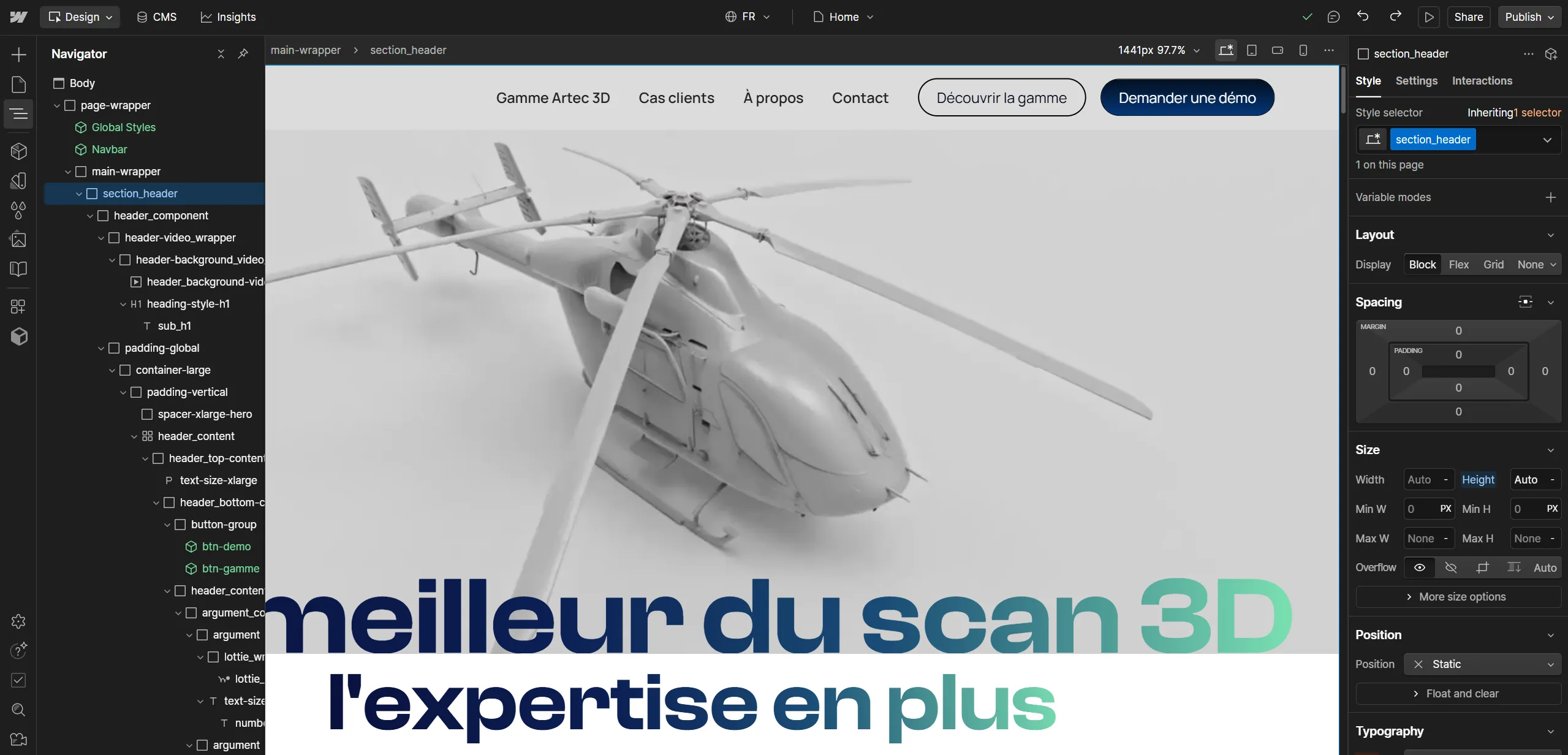

Our Process
Why choose Scroll?

An expertise Webflow certified and recognized!
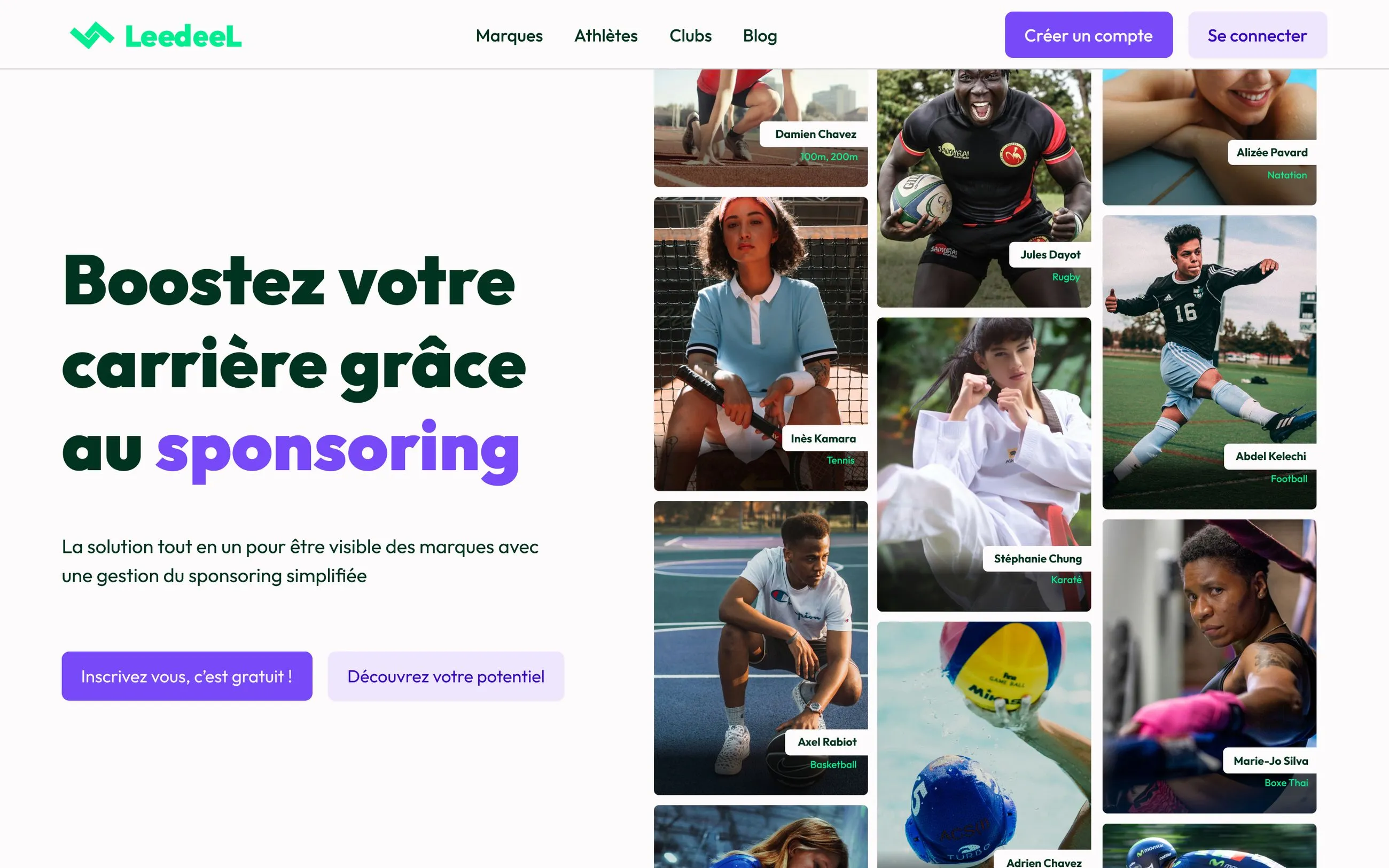
Choosing Scroll means collaborating with an expert, certified no-code team Webflow Professional Partner.
We master custom integration and technical performance, so that each project is designed to be fast, reliable and easy to maintain so that you remain in control, even after going live.

.svg)
.webp)

Of questions?
.svg)
FAQ


.svg)

.svg)
A team that listens to needs, is very responsive and reassuring. I will recommend this agency to anyone who wants to improve or develop their websites or applications.
.svg)

We had the pleasure of being supported by SCROLL for the redesign of our website. The whole team is very attentive, responsive and proactive (and very patient!). I would highly recommend their services!

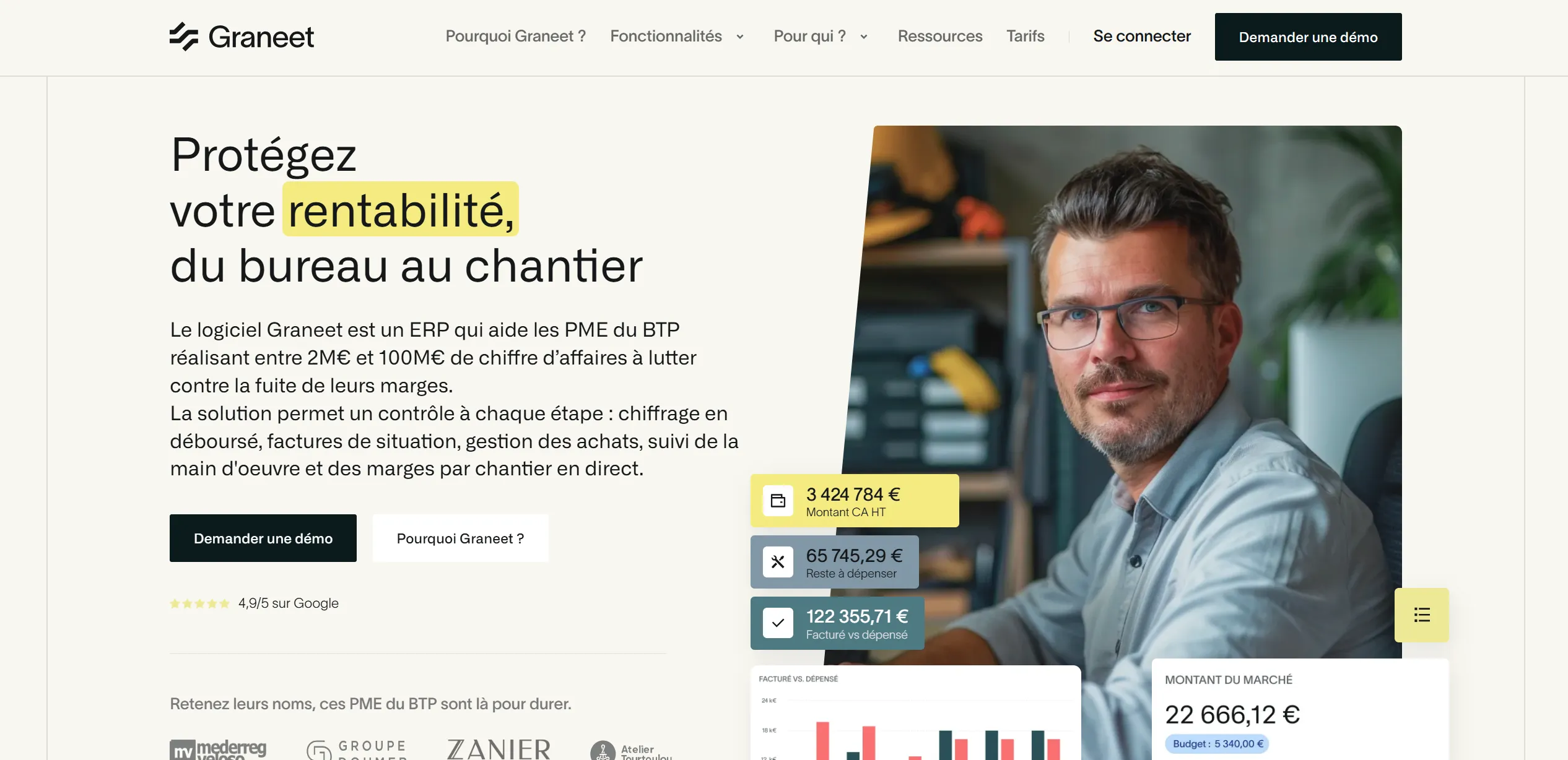
Scroll helped us bring to life the website we had in mind and even more! Hyper reactive and a force of proposals, it is a real pleasure to work with them. We continue our journey together since they work on a daily basis to improve the performance of our showcase site.

The project to create the site was a great success, the understanding of our expectations and the rendering were always in line with our needs. Jean and his team accompanied us throughout the launch, it is very easy to communicate with them even if you do not have technical background. They are very responsive, solution-oriented, they give their best to satisfy the stakeholders... It was very pleasant to work with Scroll, good humor and professionalism at the rendezvous! Keep it up!

Great collaboration with the Scroll agency, we are very satisfied with the result. Initial brief: complete redesign of a website supporting a change of brand and positioning. Simon and Jean were very quickly able to understand the challenges and the objectives behind us. Communication is very fluid, spontaneous and effective. They know how to target needs, are proactive and provide long-term support. I highly recommend it!

I had the opportunity to collaborate with the Scroll team at two stages of the life of my project: that of the MVP (Graphic Design/Webflow/Typeform) and that of the deployment (Bubble/Integromat/Airtable). In both cases: professional, effective, much cheaper than what was offered elsewhere. And above all the pleasure of talking to passionate people. If the company is on the right track now, the Scroll team has a lot to do with it. I highly recommend it.

.svg)
.svg)