
Blog · No-code
Why use Power Apps in an SME or large enterprise?
On this page
What is Microsoft Power Apps? Discover how this tool will revolutionize internal processes for SMEs and large enterprises!
Microsoft Power Apps is a low-code development platform that enables businesses to quickly create custom applications to address various business needs. This solution is particularly advantageous for SMEs (Small and Medium-sized Enterprises) and large enterprises, as it allows for optimized data and internal process management without requiring advanced coding skills. In this article, we’ll explore several concrete examples of Power Apps usage to improve operational efficiency in large companies. Scroll tells you everything!
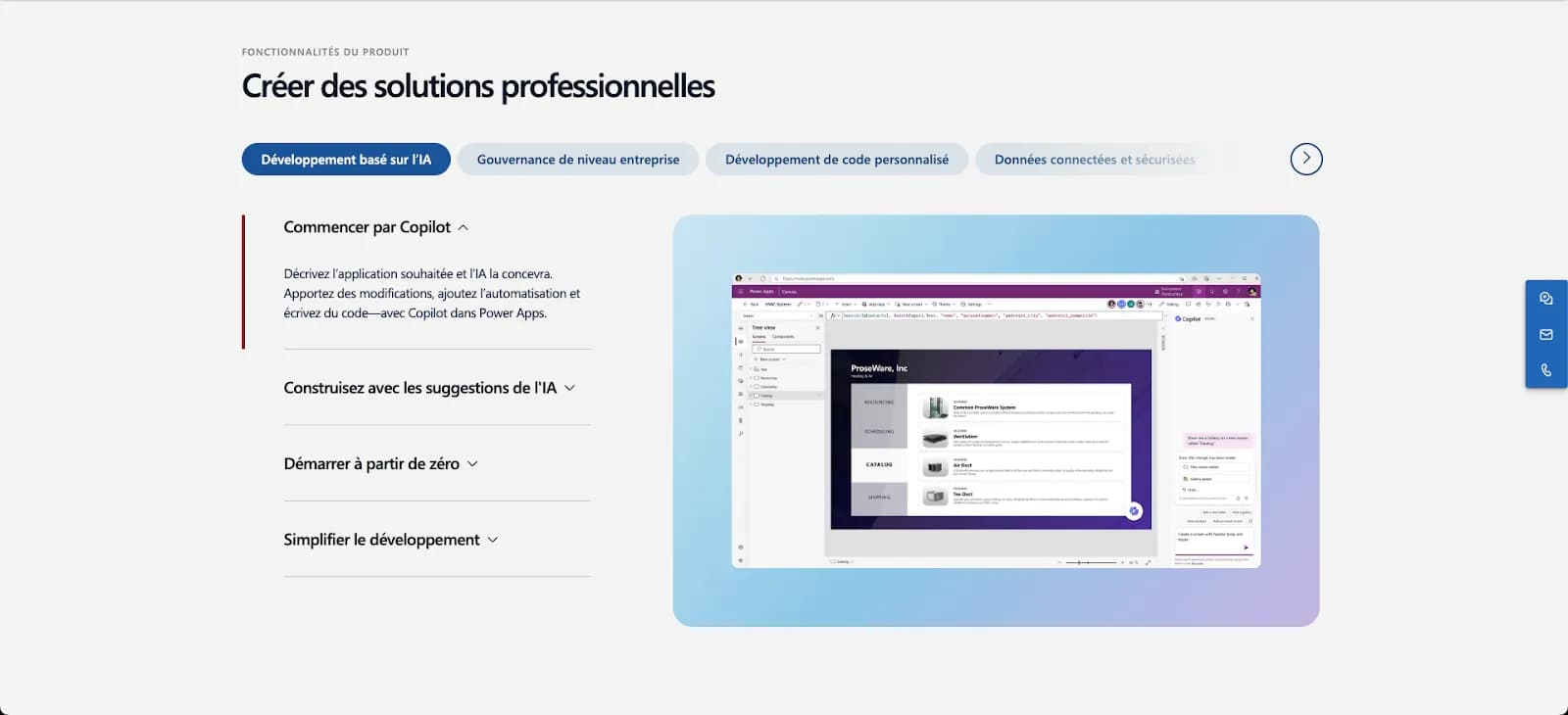
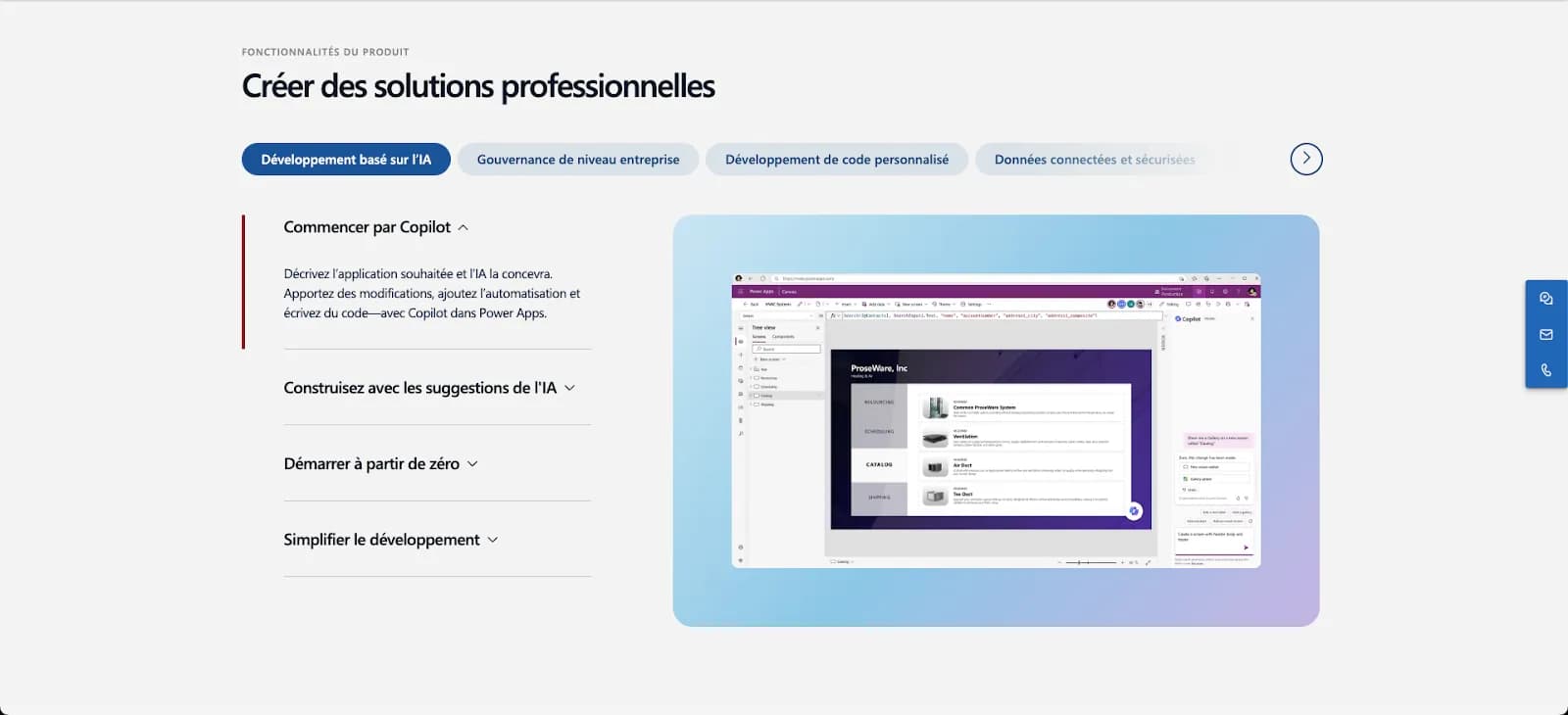
Create professional solutions with Microsoft Power Apps
Examples of Power Apps usage for data management
Optimizing business processes
SMEs and large enterprises can leverage Power Apps to automate repetitive tasks and improve the efficiency of business processes. For example, a company can create an application to automate inventory tracking, reducing the time spent manually managing stock and minimizing human errors. Additionally, Power Apps integrates seamlessly with existing ERP systems, enabling smooth data synchronization across different departments.
Data management models
Power Apps offers the ability to create custom data models tailored to each company’s specific needs. These models help structure and visualize data effectively, facilitating decision-making. For example, a company can use Power Apps to develop a supply chain management application, providing a real-time overview of goods movements, stock levels, and supplier performance.
AI integrated into Power Apps
Microsoft Power Apps natively integrates artificial intelligence features that significantly enhance the value of business applications created by SMEs and large enterprises. The goal is clear: enable teams to design smarter applications faster, without technical complexity.
Thanks to Copilot, it is now possible to create an application by simply describing its requirements in natural language. Power Apps automatically generates the application structure, screens, and data logic. This greatly accelerates the design phase and reduces reliance on technical teams.
With AI Builder, businesses can embed advanced AI capabilities directly into their applications: automatic document processing, image recognition, text analysis, predictions, or data classification. These features are particularly useful for automating complex processes such as invoice management, customer request handling, or quality control.
Power Apps also enables the creation of intelligent assistants capable of supporting users in their daily tasks, guiding data entry, or automating simple decisions. The result: more effective, intuitive applications that are better adopted by business teams.
By combining low-code and artificial intelligence, Power Apps becomes a true intelligent application platform, perfectly tailored to the performance, automation, and scalability challenges of mid-market companies and large enterprises.
One deadline to build into the budget before rolling these features out: AI capabilities are paid for in credits. Microsoft states in its AI Builder credits documentation that adding an AI Builder action to an app turns it into a premium app, which then requires a premium licence. More importantly, the AI Builder credits seeded in licences (500 with Power Apps Premium, 5,000 with Power Automate Premium) will be removed on 1 November 2026, and the AI Builder capacity add-on is no longer sold to new customers, who must buy Copilot Credits instead. If monthly consumption exceeds the allowance, actions fail with a quota error; unused credits do not roll over to the next month.
Custom business applications with Power Apps
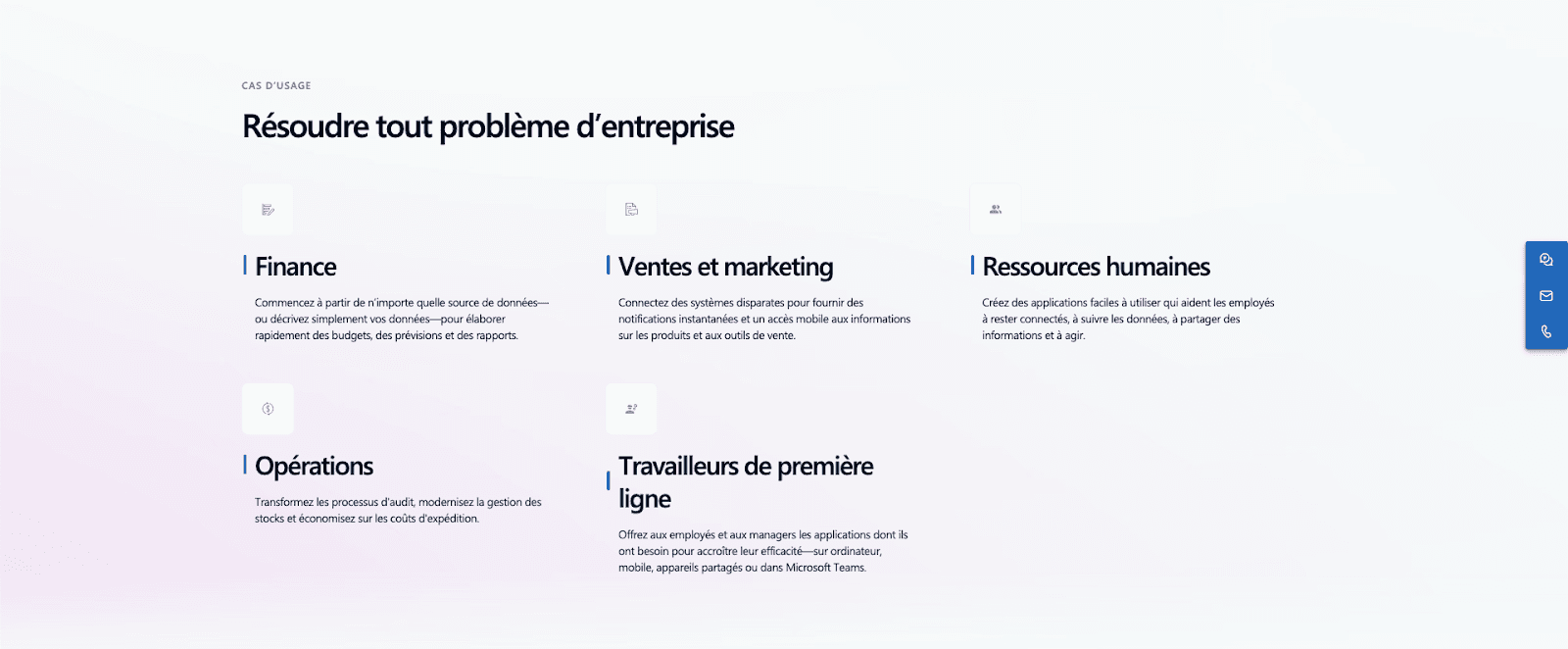
Use cases of Microsoft Power Apps for businesses
Project management applications
Project management applications developed with Power Apps enable teams to track project progress, manage resources, and collaborate effectively. For example, a project tracking app can offer features such as real-time dashboards, task notifications, and integrations with Microsoft Teams for streamlined collaboration. This allows teams to stay aligned and achieve their goals faster.
Human resources management applications
HR departments can also benefit from Power Apps by creating applications to manage job applications, track new employee onboarding, and organize training. For example, an HR app can centralize candidate information, track recruitment process steps, and automate communications with applicants. Additionally, a training management app can track employee skills and organize training sessions, ensuring continuous talent development within the company.
Benefits of Using Power Apps for Mid-Market Companies and Large Enterprises
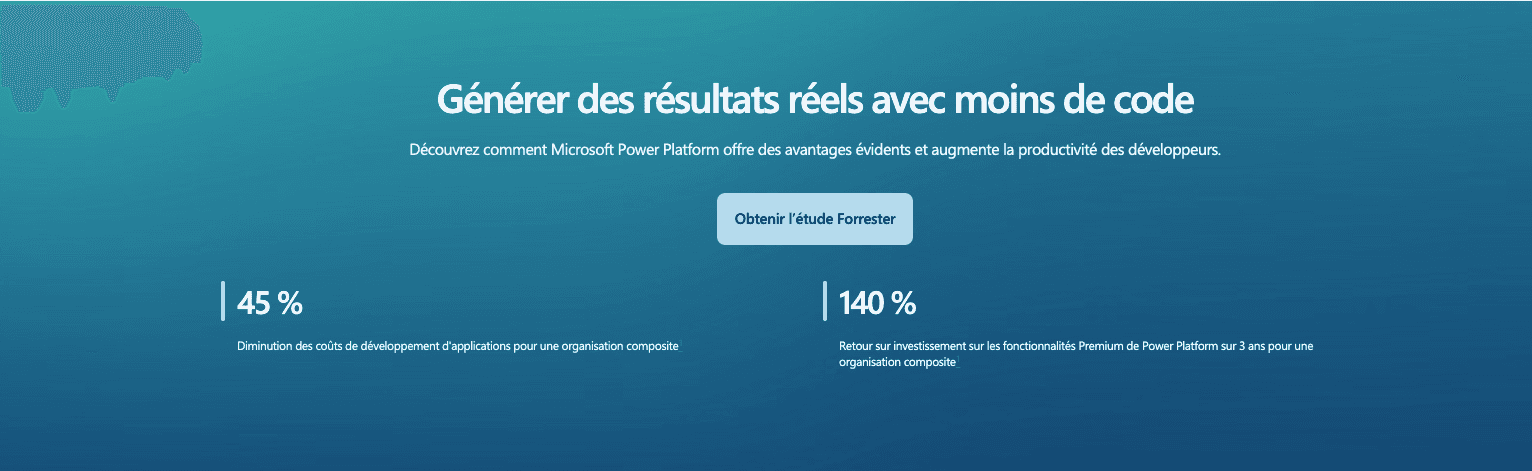
The benefits of Microsoft Power Apps
Time Savings and Cost Reduction
One of the main benefits of Power Apps is the time savings and reduced development costs. Companies can quickly create custom applications without needing specialized developers, which reduces time-to-market and associated costs. Additionally, the intuitive interface and drag-and-drop features allow non-technical users to participate in the development process, thereby reducing dependence on technical teams.
The calculation is worth doing in full, because Power Apps is billed per user, not per app. According to the Power Apps pricing page, the Premium licence is $20 per user per month on annual billing, dropping to $12 from 2,000 licences. It includes 250 MB of Dataverse database and 2 GB of file capacity per user, pooled at tenant level; additional database capacity is billed at $40 per GB per month. For a mid-sized company the cost therefore follows the number of people who use the apps, not the number of apps deployed: ten apps for 300 employees cost less than one app opened to 3,000 people.
Reduced maintenance costs are also a significant advantage. Applications developed with Power Apps are easy to update and maintain, allowing companies to remain agile and respond quickly to market changes.
Flexibility and Adaptability
Power Apps offers great flexibility, enabling companies to create tailored solutions that precisely meet their needs. Whether for project management applications, reporting tools, or performance tracking apps, Power Apps can be adapted to address a variety of business scenarios.
This flexibility also extends to the adaptability of applications. Companies can easily modify and expand their applications to meet new requirements, process changes, or evolving needs. This helps maintain a competitive edge by staying up to date with best practices and technological innovations.
Integration and Security
Seamless integration with other Microsoft services, such as Office 365, Dynamics 365, and Azure, is another key advantage of Power Apps. This integration allows companies to leverage existing features and improve collaboration and productivity. For example, Power Apps data can be easily synced with Excel for in-depth analysis or shared via Teams for better collaboration.
One decisive nuance about that integration: the Power Apps licence bundled with Microsoft 365 does not cover everything. Microsoft states in its Power Platform licensing overview that the “Power Apps for Microsoft 365” plan lets you create and share apps and connect to Microsoft 365 data and cloud services through standard connectors, but explicitly marks “, ” for access to on-premises data and for premium or custom connectors. As soon as an app queries an on-premises ERP, an internal SQL database or a home-made connector, a premium licence becomes necessary. This is the number-one source of budget surprises on these projects.
Data security is a priority for businesses, and Power Apps offers robust features to ensure the protection of sensitive information. With granular access controls, data encryption options, and compliance with industry standards, Power Apps ensures that data is secure and protected against potential threats.
Those features are not switched on by default. Two settings actually determine how secure a group-wide Power Apps rollout is: Dataverse security roles, a user synced into an environment can access no data until a role is assigned to them, and data loss prevention (DLP) policies, which prevent a business connector and a consumer connector from being combined in the same app. Without a DLP policy, any authorised user can wire an internal database to an external service in a few clicks.
Boost your company's efficiency with Power Apps and the Scroll agency
You’ve discovered how Power Apps can revolutionize processes for mid-market companies and large enterprises. Why not go further? At Scroll, we specialize in low-code/no-code solutions, ready to take your business to the next level. Our team of experts can design custom applications that optimize your workflows, improve data management, and enhance customer interactions. Whether you need a project management app, inventory tracking, or customer service solutions, we have the skills to bring your ideas to life quickly and efficiently. Contact us to transform your internal processes into competitive and strategic advantages.
Related articles
Apr 13, 2026
When is Airtable enough, and when should you switch to Supabase?
Airtable is perfect for certain business apps. Supabase becomes more relevant when security, authentication, business logic, and scalability needs increase.
Apr 28, 2025
Bubble AI: How to use artificial intelligence in Bubble.io?
Bubble AI in 2026: Integrating ChatGPT, Claude, or Gemini into a Bubble app, essential plugins, API costs, and limits to know before scaling.
Feb 20, 2025
TimeTonic: Build custom no-code tools
How is TimeTonic revolutionizing custom no-code tool creation to transform your business? Take your project to new heights with Scroll!