
Blog · Web development
Aria-label: how and when to use the attribute?
On this page
Discover what aria-label is for, when to use it, and how to improve web accessibility for screen reader users.
What is the aria-label attribute really for, when should it be used, and above all, when should it be avoided? Misunderstood, it can harm a webpage’s accessibility. Used correctly, it significantly enhances the experience for screen reader and assistive technology users.
Aria-label: quickly grasp the essentials
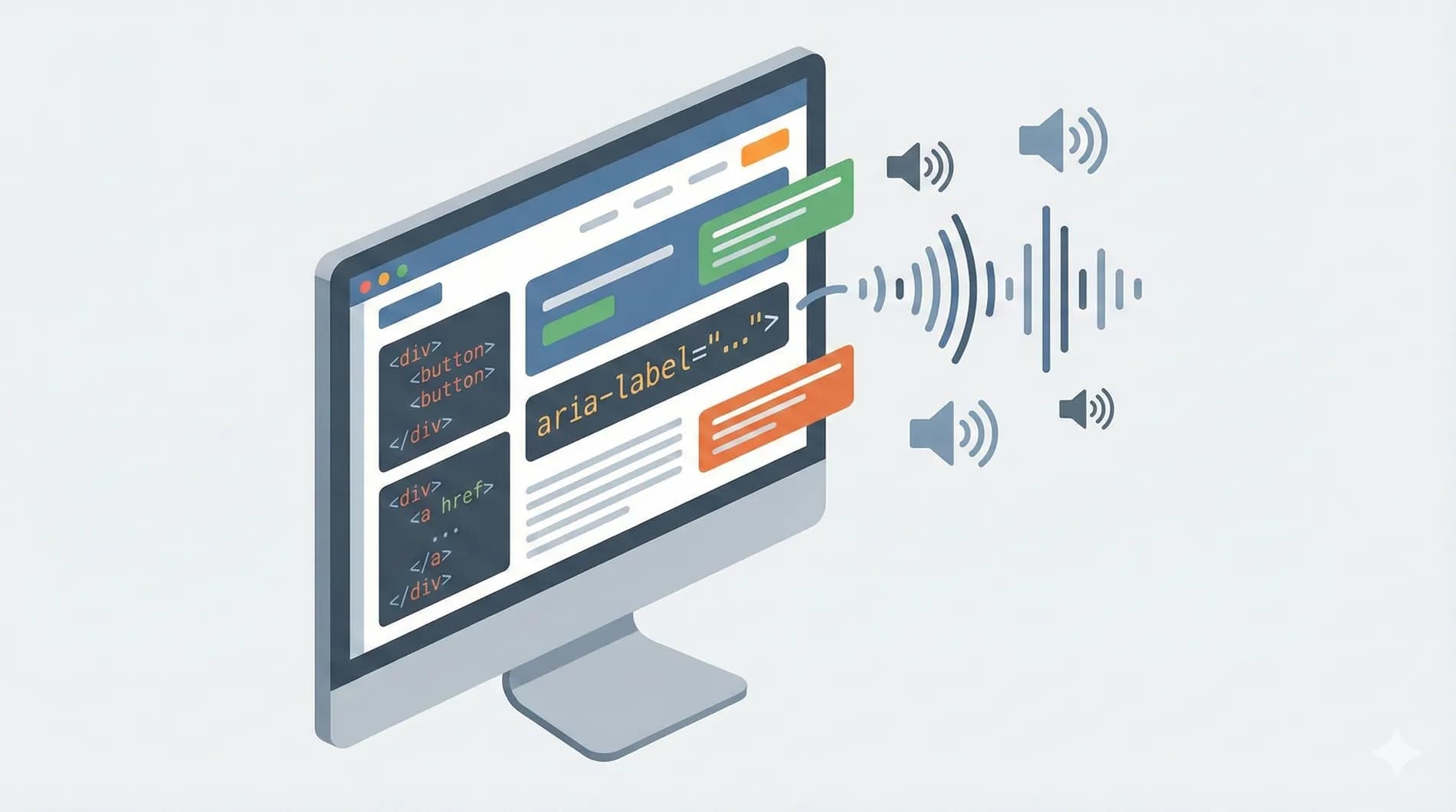
The aria-label is part of the ARIA specification, Accessible Rich Internet Applications. It allows you to add a text description to an HTML element when this text is not visible on screen. This information is intended for screen readers and assistive technologies, not for visual users.
In practice, aria-label provides an accessible name for an element. This name is read aloud by the screen reader to help the user understand the role and function of a button, link, or other interactive element. In the modern web, where interfaces are increasingly visual, this attribute plays a key role in accessibility.
It’s important to understand that aria-label does not replace native HTML. It complements it when the visible content is not sufficient to clearly describe the element for all users.
That principle has an official name: it is the "First Rule of ARIA Use", set out by the W3C in its Using ARIA note. It reads, verbatim: "If you can use a native HTML element or attribute with the semantics and behavior you require already built in, instead of re-purposing an element and adding an ARIA role, state or property to make it accessible, then do so." The W3C allows only three exceptions: the feature exists in HTML but is not implemented, or is implemented without accessibility support; visual design constraints rule out the native element because it cannot be styled as required; or the feature does not exist in HTML at all. A <button> containing visible text falls into none of those three categories. Reference: the W3C "Using ARIA" note.
The role of aria-label in web accessibility
Web accessibility aims to make a page usable by everyone, including people using screen readers, keyboard navigation, or other assistive technologies. In this context, aria-label acts as a bridge between the code and the user experience.
When a screen reader analyzes a page, it relies on the HTML structure, tags, attributes, and ARIA roles to convey information. If a button contains only an icon or a link is represented by an image without text, the screen reader has nothing relevant to read without aria-label.
Thanks to this attribute, the user immediately understands the possible action. This improves navigation, reduces errors, and makes the interface truly accessible. It’s also a point often checked during an accessibility audit.
What is aria-label used for on a webpage in practice
On a webpage, aria-label is used to give meaning to elements that lack visual clarity. This is common in modern interfaces where icons, minimalist buttons, or interactive grids are preferred.
Take a button with a magnifying glass icon. Visually, the information is clear. For a screen reader, this element is often read as an unnamed button. By adding aria-label with a description like Search, you provide clear and understandable text.
The same principle applies to links represented by an image, action buttons in a grid, or custom navigation elements. The aria-label attribute improves content understanding without altering the page’s appearance.
When to use aria-label and when to avoid it
Aria-label should only be used when native HTML is insufficient. If an element already contains clear visible text, adding aria-label is unnecessary and sometimes harmful. Assistive technologies always prioritize native content when it exists.
It is relevant to use aria-label for a textless button, an iconographic link, a clickable image, or a form field without a visible label. In these cases, the attribute provides essential information to the user.
However, on a button with readable text or an explicit link, aria-label can create confusion if it differs from the visible text. The user experience becomes inconsistent between the screen and the screen reader. Accessibility relies on coherence and simplicity.
This is not merely a comfort issue: it is a normative failure. Success Criterion 2.5.3 "Label in Name" of WCAG 2.2, at Level A, the minimum level, requires the accessible name of a component to contain the text presented visually. The reason is concrete: speech-control users say what they see on screen. If a button displays "Search" but carries aria-label="Start product search", saying "click Search" triggers nothing, because the speech recognition software matches the command against the accessible name, not the displayed text. An aria-label placed on an element that already has a visible label therefore does more than degrade the experience: it breaks an entire access modality. Criterion in detail: understanding the WCAG 2.2 "Label in Name" criterion.
Aria-label, label, title, and aria-labelledby: understanding the differences
The HTML label is the priority solution for form fields. It is visible, accessible, and natively understood by screen readers. Aria-label should never be used to replace a real label when one can be displayed.
aria-labelledby allows you to link an element to existing text elsewhere on the page. It’s often a better choice than aria-label, as the text is shared and consistent for all users.
The title attribute, on the other hand, is unreliable for accessibility. It’s poorly supported by screen readers and should not be used as the sole source of information. In an accessible approach, aria-label and aria-labelledby are far more relevant.
Examples of well-used aria-label code
In HTML, aria-label is added directly to the relevant tag. On an iconographic button, it describes the action without adding visible text. On a link represented by an image, it clarifies the destination or purpose of the link.
The attribute can also be used on a div or span when they have an interactive role, for example with JavaScript. In this case, it’s essential to also add an appropriate ARIA role so assistive technologies understand the element’s state and function.
A good aria-label is short, precise, and action-oriented. It describes what the element does, not its appearance. This improves screen reader readability and overall interface comprehension.
Navigation, regions, and complex components
In rich interfaces, aria-label is often used to name navigation regions, sections, or functional areas. A nav tag can thus be paired with a clear description to help users orient themselves on the page.
Components like tabs, dropdown menus, or interactive grids require special attention. aria-label can complement ARIA roles and state attributes to make these elements accessible. The goal is to enable smooth navigation, even without screen visibility.
Good structuring of regions and sections also enhances the overall experience, especially on long pages or complex web interfaces.
aria-label and Webflow: what you need to know
In Webflow, you can add aria-label directly to many elements like buttons, links, or images. It’s a simple way to improve accessibility without writing much code.
However, some limitations exist. Not all ARIA attributes are always accessible from the interface. For advanced components, custom code may be required to properly manage roles, states, and relationships between elements.
In a professional Webflow project, aria-label should be part of a global accessibility strategy, consistent with the HTML structure, navigation, and actual page content.
Testing and validating aria-label usage
Testing aria-label isn’t just about checking its presence in the code. You also need to listen to the actual output with a screen reader. What seems logical in code can be confusing when spoken aloud.
Accessibility audit tools help identify elements without accessible names or inconsistent descriptions. Manual verification remains essential to ensure a good user experience.
The web-scale figures are worth knowing, because they cut against intuition. The WebAIM Million report analyses the home pages of the top one million websites every year. In the edition published in 2026, covering a February 2026 crawl, 82.7% of those pages use ARIA (excluding landmark roles), up from 79.4% a year earlier, averaging 31.4 aria-label, aria-labelledby or aria-describedby attributes per page, a 28% rise in a single year. Yet pages using ARIA average 59.1 detected accessibility errors, against 42 for pages that use none: 17 additional barriers where you would expect the opposite. WebAIM is careful to note that correlation is not causation, those pages are also more complex, but the finding stands: the more ARIA attributes a page carries, the more errors it carries. Another useful benchmark for forms: 33.1% of input fields have no proper label at all, whether <label>, aria-label, aria-labelledby or title. Full study: the annual WebAIM Million report.
An accessible page is a page that’s tested, understood, and continuously improved. aria-label is a powerful tool, but it must be used methodically and with understanding.
Going further with web accessibility
aria-label is often the first ARIA attribute people discover, but it doesn’t do everything. A true accessibility approach relies on clean HTML structure, clear content, logical navigation, and a deep understanding of user needs.
At Scroll,we support companies in designing and optimizing accessible, high-performance, and sustainable websites, particularly on Webflow. Accessibility isn’t a technical constraint, it’s a lever for user experience, compliance, and overall web project quality.
What is the aria-label attribute in HTML?
aria-label is an ARIA attribute that provides a text description for an HTML element when no visible text is present. This information is read by screen readers to improve accessibility for users of assistive technologies.
What is the difference between aria-label and the HTML label?
The HTML label is preferred and recommended when it can be displayed, particularly for form fields. aria-label serves as an alternative when a visible label is not present or not visually relevant.
Can aria-label be used in Webflow?
Yes, Webflow allows you to add the aria-label attribute to many elements such as buttons, links, images, or sections. For more advanced needs, custom code may be required to manage ARIA roles and states.
Related articles
Sep 15, 2026
Cyber Resilience Act: reporting obligations took effect on 11 September
Since 11 September 2026, manufacturers must report exploited flaws within 24 hours, including on products already sold. Who is in scope, and what to prepare.
Sep 15, 2026
Health applications: what HDS hosting really requires
The certification covers the host, not your application. The six activities, what the 2024 framework changed, and what stays on your side.
Sep 08, 2026
Digital accessibility: who is covered, and where to start
Two regimes, a decree in force since 27 August 2026, fines up to 50,000 euros. Who has to comply and where to start.